
X Downloader Chrome Extension: Save X Videos, GIFs and Images in One Click
By ClipDrift 5 min read

On this page
Copying a post link, opening a new tab, pasting it into a downloader, waiting, clicking again… it works, but it’s slow when you save videos often.
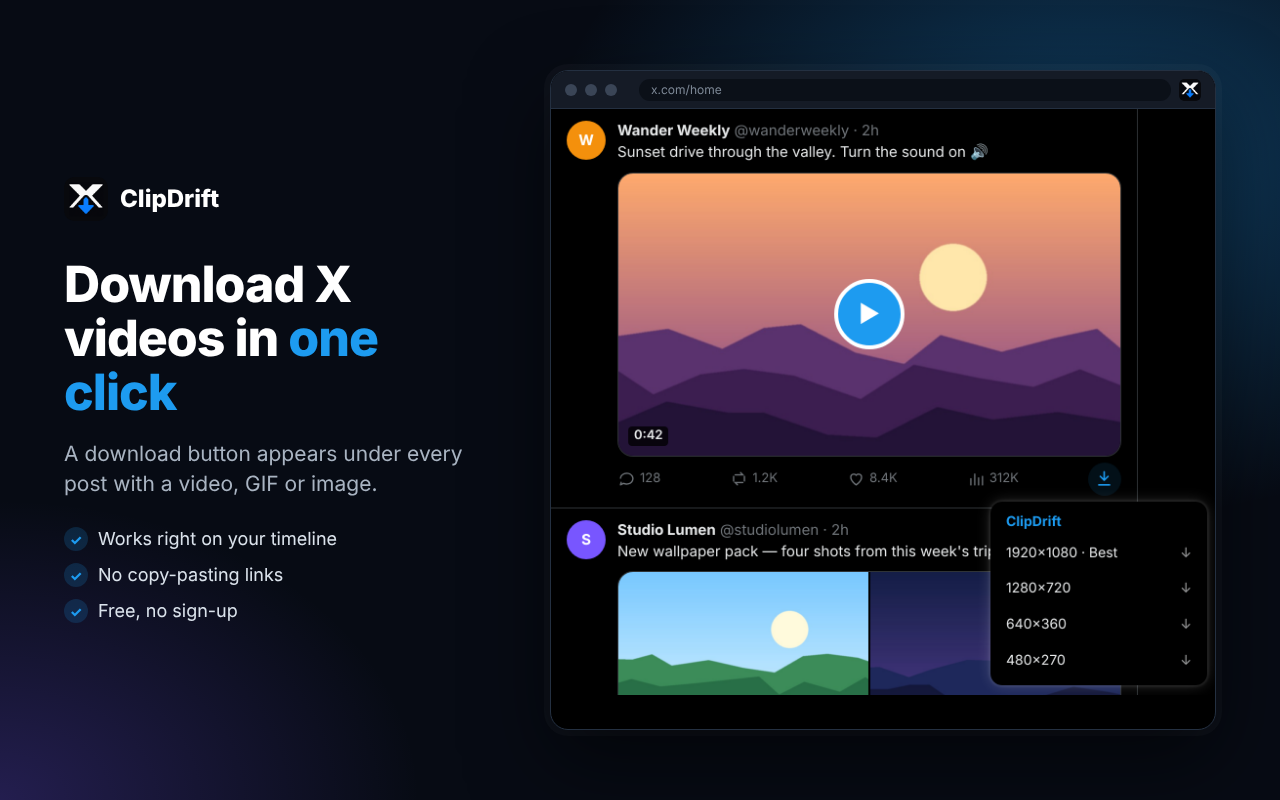
The ClipDrift extension removes all of that. It adds a small ↓ download button under every post on X that has a video, GIF or image. One click, pick a quality, done. The file lands on your computer without leaving your timeline.
This guide covers what the extension does, how to install it, and when the ClipDrift website is still the better choice.
What is the ClipDrift X downloader extension?
ClipDrift is a free X downloader for Chrome and other Chromium browsers (Edge, Brave, Opera). It does the same job as our X video downloader website, but it’s built into x.com itself:
Videos in every available quality, up to 1080p HD
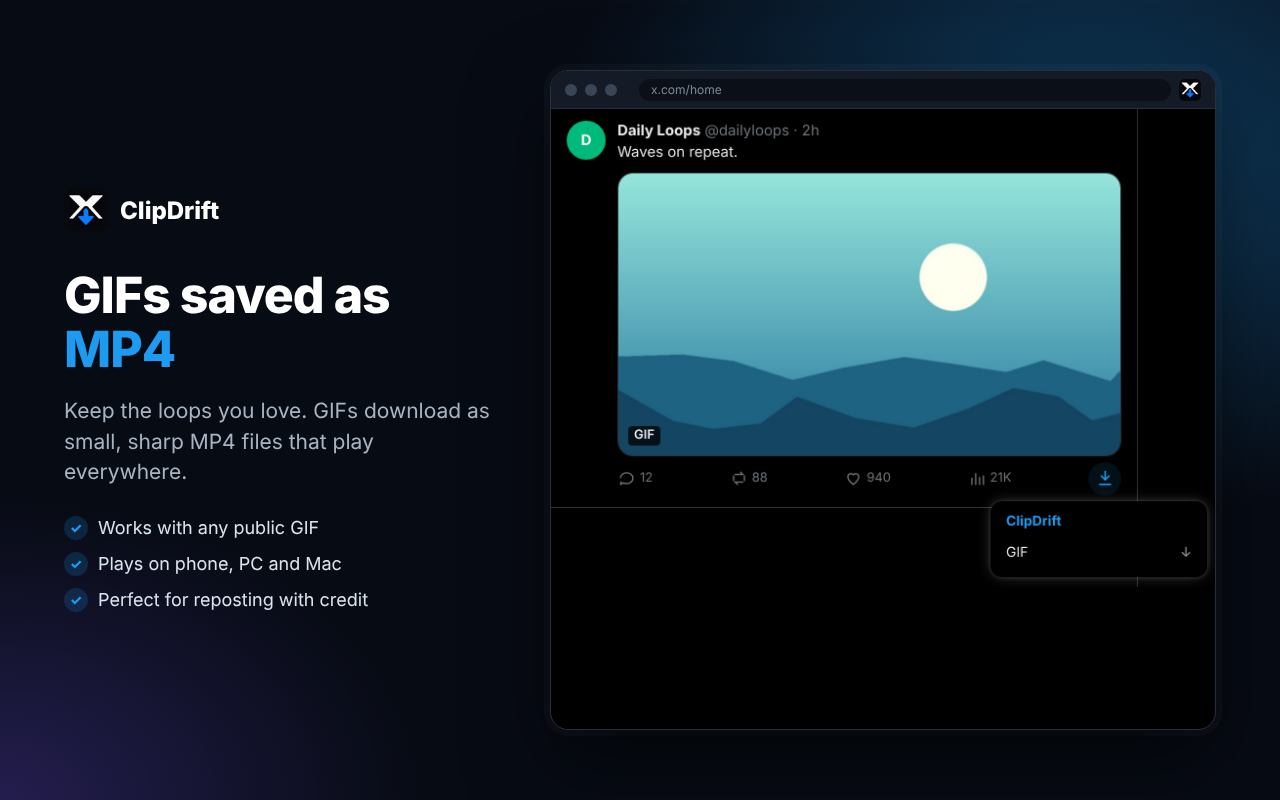
GIFs, saved as MP4 files
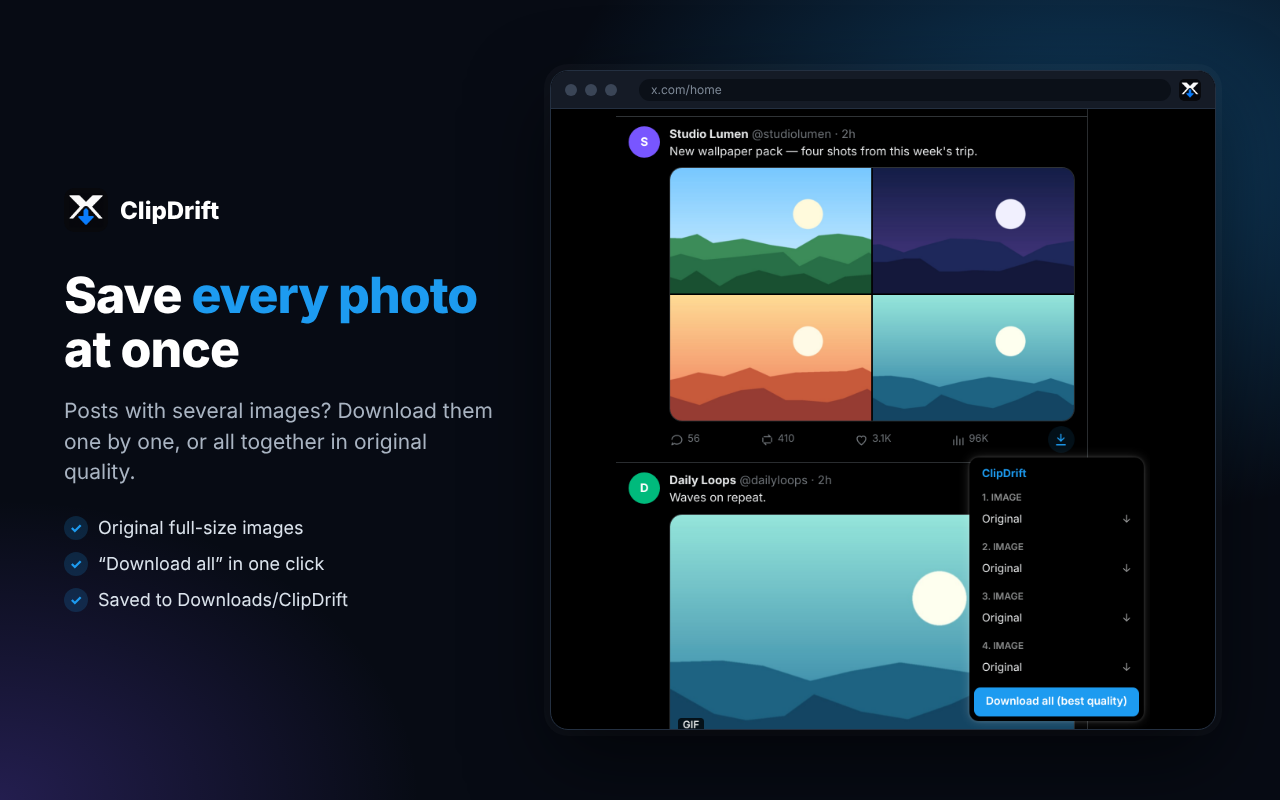
Images in their original full size
Posts with several photos or videos: save them one by one, or all at once
A toolbar popup where you can paste any X or Twitter link
It’s free, there’s no account to create, and it works with both x.com and twitter.com links.
How to install the extension
Open the ClipDrift page on the Chrome Web Store: X Downloader
Click Add to Chrome, then Add extension
Optional: click the puzzle icon in your toolbar and pin ClipDrift so the popup is one click away
Open or refresh x.com. Posts with media now show a ↓ button next to the like and view counts.
Using Edge? Chrome Web Store extensions install in Edge too. Allow extensions from other stores when Edge asks.
How to download X videos with the extension
Scroll your timeline or open any post with a video
Click the ↓ ClipDrift button under the post
Pick a quality. The best one (usually 1080p or 720p) is always listed first.
The video saves as an MP4 in your Downloads folder, inside a ClipDrift folder
Files get clear names like username_postID_1280x720.mp4, so you can find them later.
Tip: if a video looks blurry after downloading, the poster probably uploaded it in low quality. We explain how X handles video quality in X video settings explained and how to make X videos look sharp.
Videos inside threads
The button appears on every post in a thread, not just the first one. Open the thread and click ↓ on the reply that has the video. More detail in how to download videos from an X thread.
Downloading GIFs and images
GIFs
X doesn’t store GIFs as .gif files. It stores them as short MP4 videos, and that’s what you get from the extension (and from our X GIF downloader). MP4 is smaller and sharper than GIF, and it plays on every phone, PC and Mac.
If you need a real .gif file, for an old forum or a chat app that only accepts GIFs, download the MP4 first, then convert it with any video-to-GIF converter.
Images
Click ↓ on a post with photos. Each image is listed separately, in original quality (not the compressed preview you see in the timeline). For posts with up to four photos, Download all saves everything in one click.
Extension vs. website: which should you use?
Use the ClipDrift extension if:
You’re on a computer (Chrome, Edge, Brave or Opera)
You save videos often while scrolling
You want one-click downloads without copying links
Use the ClipDrift website if:
You’re on an iPhone or Android phone
You only save a video now and then
You don’t want to install anything
On your phone? Browser extensions don’t run on mobile Chrome or Safari, so use the ClipDrift website instead. Copy the post link (here’s how), paste it, and download. On Android, see where downloaded files go.
Privacy: can anyone see what you download?
No. The person who posted the video is not notified. X doesn’t show who saves a video, the same way it doesn’t show who watches one. We go into more detail in can people see who downloads X videos?
The extension is also built to be private:
It doesn’t use your X account. It reads the same public data X uses for embedded posts, without your login.
It doesn’t collect, store or sell any data: no tracking, no history, no analytics inside the extension
It only works on X’s own domains, and it only downloads files from X’s media servers
Troubleshooting
The ↓ button doesn’t appear.
Refresh the page. If you installed the extension while x.com was already open, the button only appears after a reload. Also check that the post really has media: text-only posts don’t get a button.
“Post not found” or “unavailable.”
Private accounts, deleted posts and age-restricted posts can’t be downloaded by any tool.
The video downloaded but won’t play.
Usually the player is the problem, not the file. Try VLC, or see downloaded video won’t play.
I only need the audio.
Download the MP4, then follow how to convert an X video to MP3.
I want to cut the video before sharing it.
See how to trim a downloaded Twitter video, then share it to WhatsApp or Instagram.
FAQ
Is the ClipDrift extension free?
Yes, it’s free to use with no account and no sign-up.
Does it work with twitter.com links?
Yes. It works on x.com, twitter.com and mobile.twitter.com, and the popup accepts links from all three.
Can I download X videos in HD?
Yes. The extension lists every quality the poster uploaded, up to 1080p. See our HD video downloader for more.
What format are the files?
Videos and GIFs save as MP4 (more on MP4). Images keep their original format, usually JPG or PNG.
Is it legal to download X videos?
Saving a video for personal use is generally fine. Reposting someone else’s content without permission may break copyright rules. Always credit the creator, and only reuse content you have rights to.
More questions? Read the ClipDrift FAQ.
Save X videos in one click
Add ClipDrift to Chrome. It’s free: chrome extension
On your phone? Use the online X downloader
ClipDrift is an independent tool and is not affiliated with X Corp. Please download only content you own or have permission to use.
Download any X video in seconds
Paste a post link below to save the video, GIF or image in the best quality.
Works with x.com, twitter.com, fxtwitter, vxtwitter and fixupx links.
Related articles

- X (Twitter) Tips & Tricks
X Bookmarks vs Downloading: Which Way to Save a Post?
Bookmarks and downloads both "save" a post on X, but they work very differently. Here is when each one makes sense and how to use them together.
6 min read
- X (Twitter) Tips & Tricks
X Video Settings Explained: Autoplay, Quality and Data Saver
X hides several useful video settings a few menus deep. Here is what each one does, where to find it and which combination works best for you.
6 min read